Practice management for UAE accounting firms
Draw how your firm works. Ido runs every project exactly that way.
VAT, Corporate Tax, ICV, audit and bookkeeping projects run on flows your firm draws itself — from the client’s documents to review, approval, filing and the invoice.
Client of a firm? Open your portal
Service lines
- VAT
- Corporate Tax
- ICV
- Audit
- Bookkeeping
The flow designer
The picture is the process.
Draw a flow on the canvas — a branch for invoices over AED 50,000, a request to the client for their documents, a senior review, your approval. Every project on that service runs through exactly that graph.
There is no second, hard-coded status machine that can disagree with the picture. What the canvas shows is what the engine runs.
- Versions
- Work on a draft, publish it, and activate it when it is right.
- Templates
- Built-in service templates — VAT return quarterly, Corporate Tax annual — to copy and make your own.
- Export
- Export a flow and import it at a sister firm.
In the product
Everything a project touches, in the same place.
The inbox, the calendar, the documents, the money and the reports all know which client and which project they belong to.
Approval inbox
Every approval your flows send you, in one inbox. A step that runs late escalates, and a partner can cover a colleague’s inbox while they are away.
Filing calendar
Each client’s VAT and Corporate Tax deadlines. Ido opens each period’s project the number of days before its deadline your firm chooses, and returns filed before Ido can be imported.
Vault
Every document sits on its client and its project. Share links for people outside the firm.
Finance by project
Tax invoices on your letterhead, bills, payments and receivables, in AED — each on the project it belongs to.
Reports
The VAT return (VAT201) for VAT projects, and financial statements under IFRS for SMEs with standard notes you can make your own.
Client portal
Clients see their projects, upload what is asked of them, and approve.
Team and time
Timesheets, a timer, team pages and reviews — time lands on the project it was spent on.
Roles and permissions
Roles and permissions your firm defines, and a preview of Ido as any role before anyone is given it.
How it works
Set it up once. Then projects open themselves.
Step 1: Draw your flows
Start from a built-in service template or a blank canvas: branches, client requests, reviews and approvals. Publish a version and activate it when it is right.
Step 2: Add clients and their deadlines
Each client’s VAT and Corporate Tax deadlines go on the filing calendar. Returns they filed before your firm used Ido can be imported.
Step 3: Projects open themselves, run, and get approved, filed and invoiced
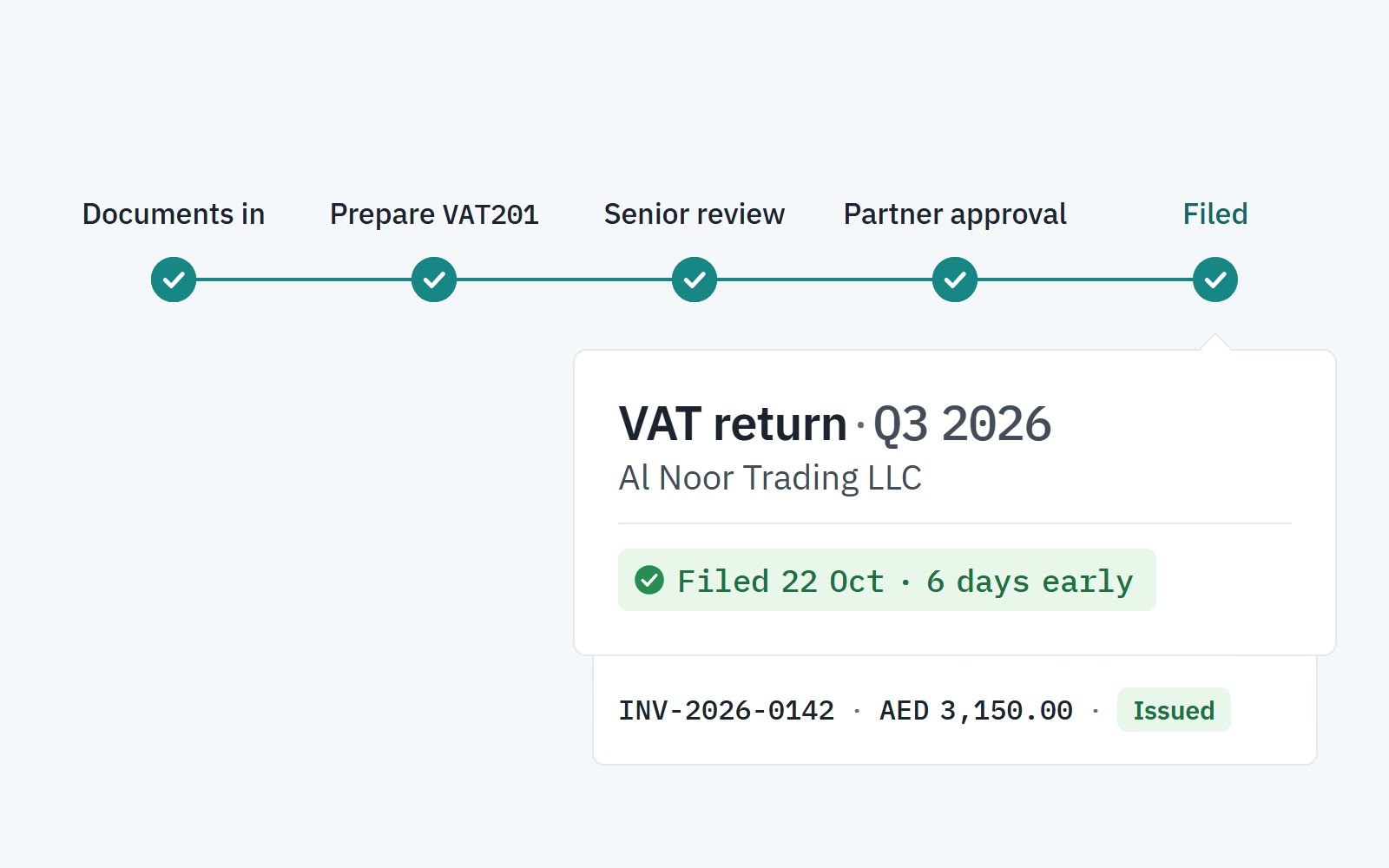
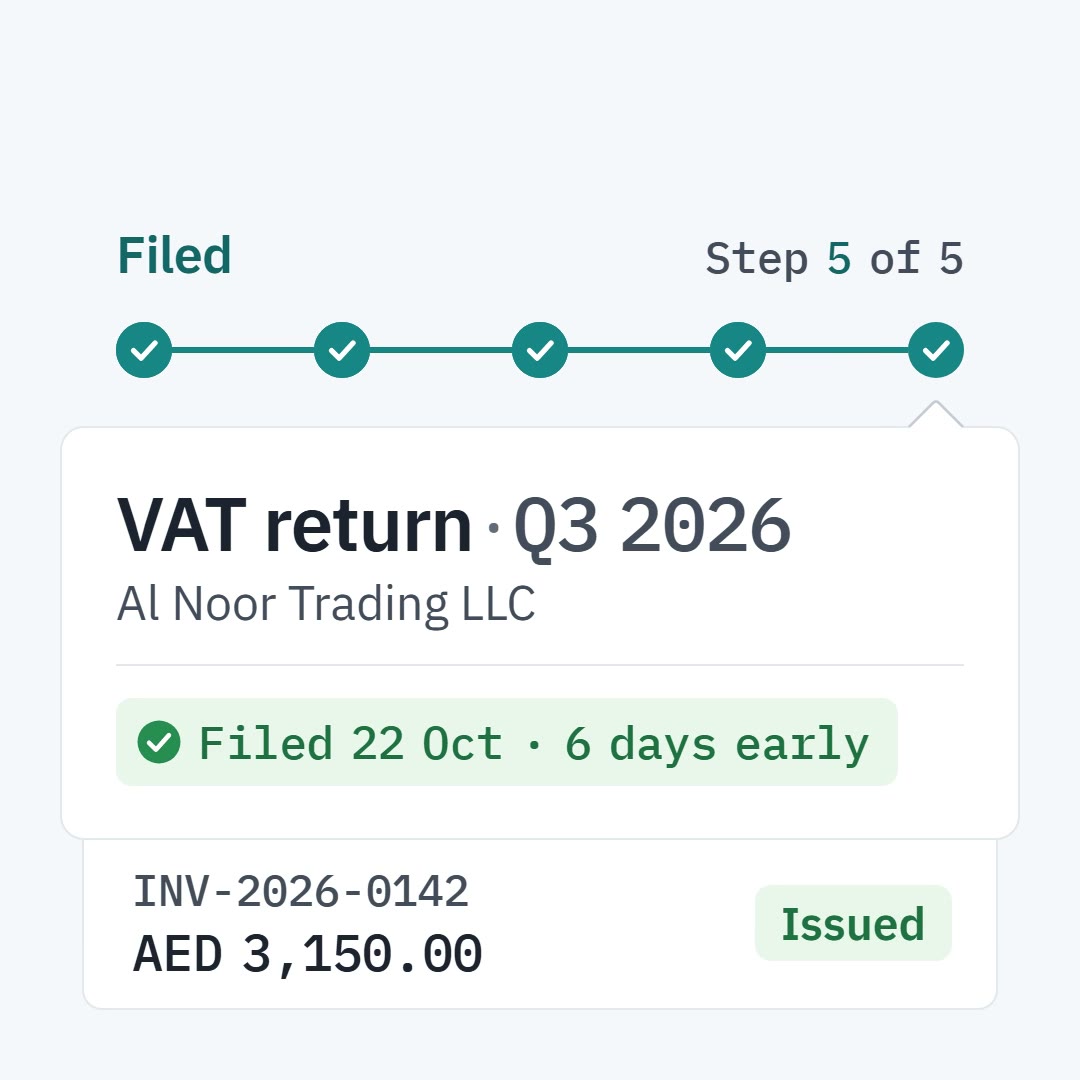
Ido opens each period’s project the set number of days before its deadline. It runs through your flow to approval and filing, and its tax invoice is raised on your letterhead.
Security and records
Built to be checked, not taken on trust.
Your firm’s data stays your firm’s, and every change goes on a record you can verify yourself.
- Isolation
- Each firm’s data is its own, kept apart from every other firm’s.
- Sign-in
- Multi-factor sign-in for your firm, with codes from an authenticator app.
- Roles
- Roles and permissions your firm defines — and a preview as any role before anyone is given it.
- Audit log
- Every entry is hash-chained with SHA-256, so anyone can check that none was changed, in Ido or outside it.
- Export
- A full export of your data whenever you want it: a ZIP of CSV files, with its SHA-256.

Draw it once. Ido runs it the same way, every time.
Get started
Bring your firm’s way of working into Ido.
Create the workspace, copy a service template or draw your own flow, and add your clients with their deadlines.
Client of a firm? Open your portal